BLOG

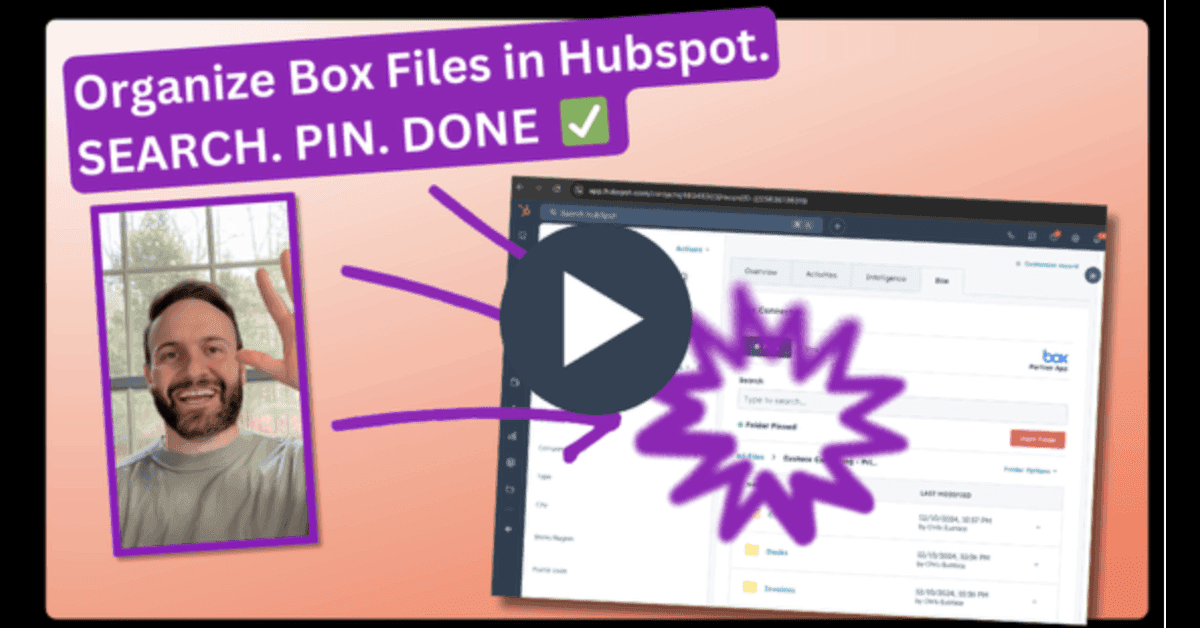
Search, Pin, Done!

Chris Eustace

You already brought all your Box folders into Hubspot by setting up the Box Card.

The next step is to pop those folders into the right spot. 

You do that with….🥁🥁🥁

Dynamic Search and Pinning!

What it Does….
-Instantly searches your entire Box content library
-Automatically honors your Box user permissions 
-Eliminates platform toggling because you never leave Hubspot
-Pins the right content to exactly the right Hubspot object 

Why it’s useful…
-Enhances team productivity putting the right content in the right place 
-Retains strict user access and file sharing permissions
-Increases efficiency by keeping users working in a single platform

Tons of folders in Box?

Get a full service onboarding with your free trial.

We’ll search & pin all your folders to the relevant objects in Hubspot without you lifting a finger.

Chris Eustace

CEO

@SparkGrid Software

FAQs

Frequently asked questions about Box and HubSpot document workflows

Can Box integrate with HubSpot?

How can companies manage Box files inside HubSpot?

Can HubSpot automatically create folders in Box?

What document workflows can be automated between Box and HubSpot?

Can Box Sign be used with HubSpot?

How does Box Connector support secure document workflows?

Who is Box Connector best for?

How long does implementation take?

FAQs

Frequently asked questions about Box and HubSpot document workflows

Can Box integrate with HubSpot?

How can companies manage Box files inside HubSpot?

Can HubSpot automatically create folders in Box?

What document workflows can be automated between Box and HubSpot?

Can Box Sign be used with HubSpot?

How does Box Connector support secure document workflows?

Who is Box Connector best for?

How long does implementation take?

FAQs

Frequently asked questions about Box and HubSpot document workflows

Can Box integrate with HubSpot?

How can companies manage Box files inside HubSpot?

Can HubSpot automatically create folders in Box?

What document workflows can be automated between Box and HubSpot?

Can Box Sign be used with HubSpot?

How does Box Connector support secure document workflows?

Who is Box Connector best for?

How long does implementation take?

Ready to make Box and HubSpot work better together?

Reduce manual work, improve document visibility, and create more consistent customer and operational workflows with Box Connector for HubSpot.

SparkGrid Software developed Box Connector for HubSpot, helping organizations manage Box files, automate document workflows, support e-signatures, and connect document activity to CRM records.

Ready to make Box and HubSpot work better together?

Reduce manual work, improve document visibility, and create more consistent customer and operational workflows with Box Connector for HubSpot.

SparkGrid Software developed Box Connector for HubSpot, helping organizations manage Box files, automate document workflows, support e-signatures, and connect document activity to CRM records.

Ready to make Box and HubSpot work better together?

Reduce manual work, improve document visibility, and create more consistent customer and operational workflows with Box Connector for HubSpot.

SparkGrid Software developed Box Connector for HubSpot, helping organizations manage Box files, automate document workflows, support e-signatures, and connect document activity to CRM records.