BLOG

Box Connector for HubSpot adds 1500+ integrations to the HubSpot Ecosystem
Chris Eustace

We’re thrilled to announce an enhancement to our Box Connector for HubSpot that significantly improves workflow efficiency: users can now open Box files and folders directly from within the HubSpot interface.

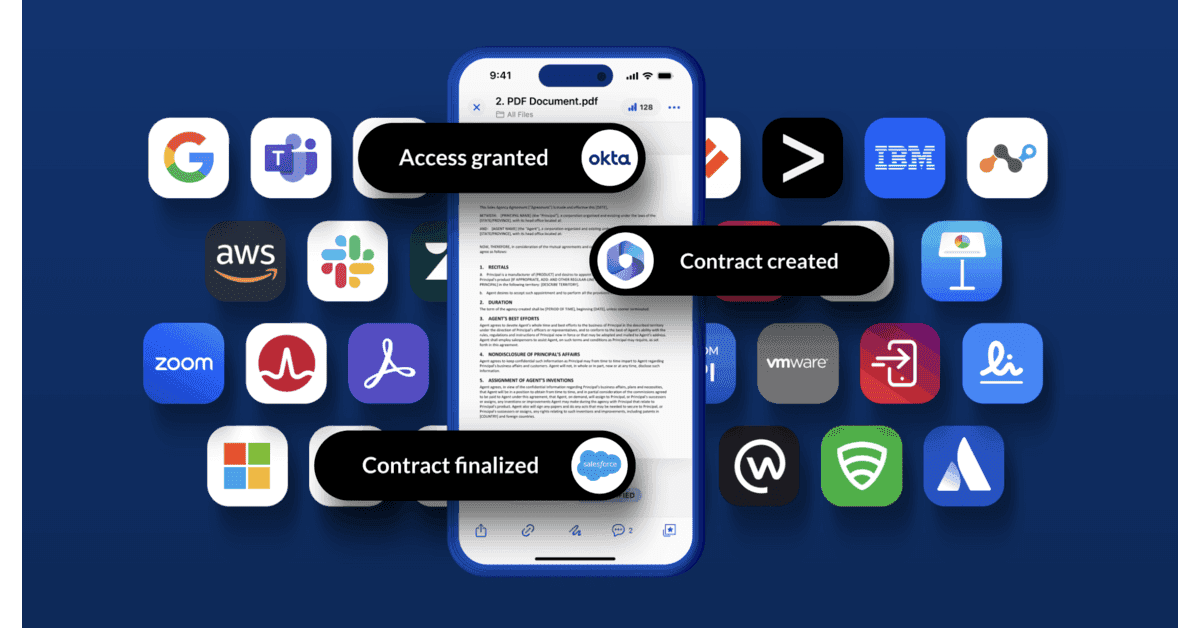
This update unlocks tremendous value for our users. Box’s ecosystem includes over 1,500 integrated applications, and with this new feature, you can seamlessly access this entire marketplace through the Box Connector for HubSpot. This means you now have a gateway to thousands of additional tools and capabilities while working in HubSpot, dramatically expanding your productivity options.

This direct access feature streamlines your workflow by eliminating the need to switch between platforms, making document management and collaboration more efficient than ever.

Want to try the integration yourself? Try a free trial today.

Chris Eustace

CEO

@SparkGrid Software

FAQs

Frequently asked questions about Box and HubSpot document workflows

Can Box integrate with HubSpot?

How can companies manage Box files inside HubSpot?

Can HubSpot automatically create folders in Box?

What document workflows can be automated between Box and HubSpot?

Can Box Sign be used with HubSpot?

How does Box Connector support secure document workflows?

Who is Box Connector best for?

How long does implementation take?

FAQs

Frequently asked questions about Box and HubSpot document workflows

Can Box integrate with HubSpot?

How can companies manage Box files inside HubSpot?

Can HubSpot automatically create folders in Box?

What document workflows can be automated between Box and HubSpot?

Can Box Sign be used with HubSpot?

How does Box Connector support secure document workflows?

Who is Box Connector best for?

How long does implementation take?

FAQs

Frequently asked questions about Box and HubSpot document workflows

Can Box integrate with HubSpot?

How can companies manage Box files inside HubSpot?

Can HubSpot automatically create folders in Box?

What document workflows can be automated between Box and HubSpot?

Can Box Sign be used with HubSpot?

How does Box Connector support secure document workflows?

Who is Box Connector best for?

How long does implementation take?

Ready to make Box and HubSpot work better together?

Reduce manual work, improve document visibility, and create more consistent customer and operational workflows with Box Connector for HubSpot.

SparkGrid Software developed Box Connector for HubSpot, helping organizations manage Box files, automate document workflows, support e-signatures, and connect document activity to CRM records.

Ready to make Box and HubSpot work better together?

Reduce manual work, improve document visibility, and create more consistent customer and operational workflows with Box Connector for HubSpot.

SparkGrid Software developed Box Connector for HubSpot, helping organizations manage Box files, automate document workflows, support e-signatures, and connect document activity to CRM records.

Ready to make Box and HubSpot work better together?

Reduce manual work, improve document visibility, and create more consistent customer and operational workflows with Box Connector for HubSpot.

SparkGrid Software developed Box Connector for HubSpot, helping organizations manage Box files, automate document workflows, support e-signatures, and connect document activity to CRM records.