

BLOG
Why HubSpot Document Generation Belongs in Box — Not Just in Your CRM
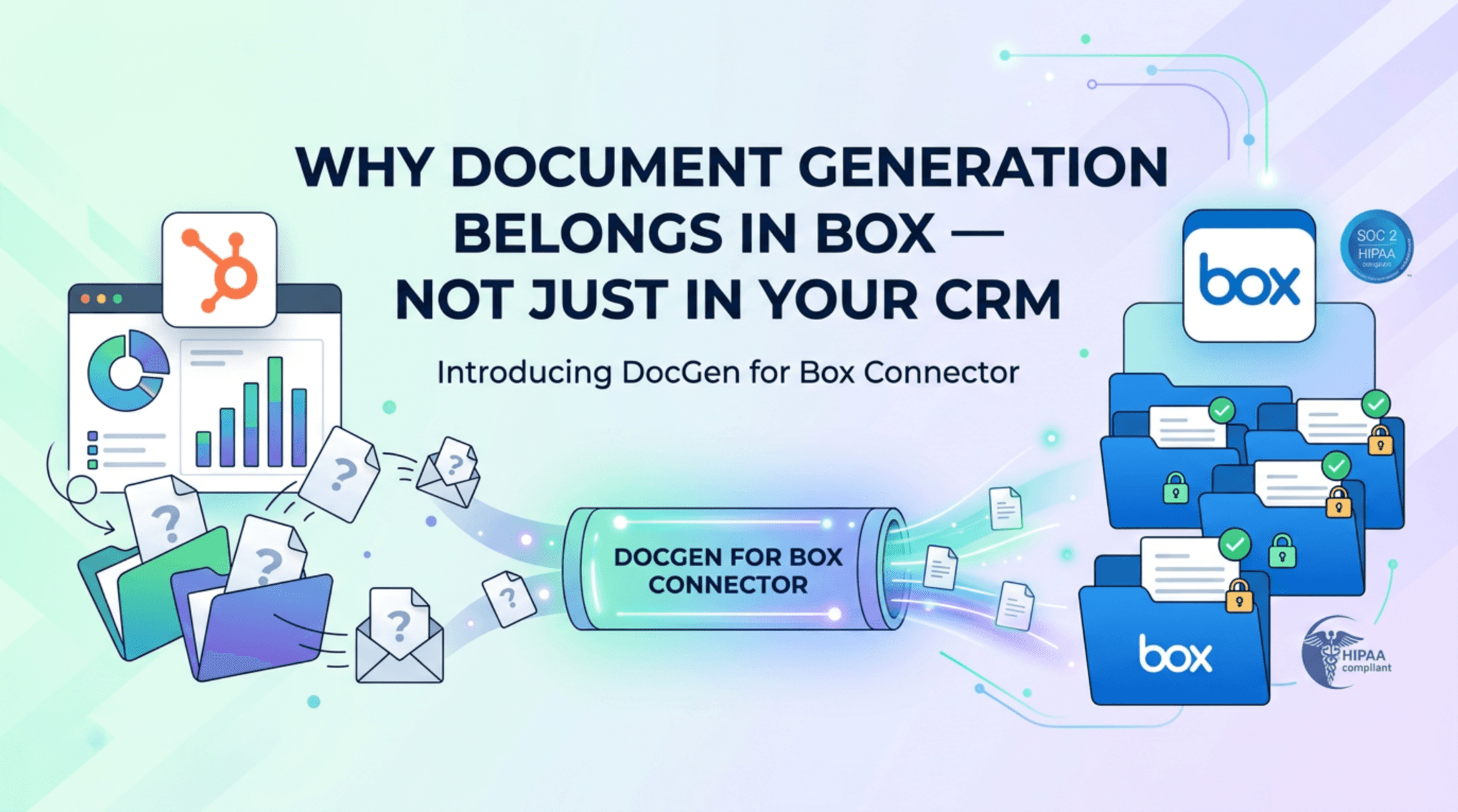


SparkGrid Software just launched DocGen for Box Connector, bringing HubSpot-powered document generation into the one platform your compliance team actually trusts.
Most document generation tools solve half the problem.
Tools like S-Docs, PandaDoc, and DocuSign are great at getting a document out the door. They pull your CRM data, merge it into a template, and hand you a PDF. That’s useful. But then what? The document lands in someone’s Downloads folder, gets emailed around, maybe ends up in a shared drive — and at that point, your carefully structured data just became an untracked file floating through the organization.
If you’re using S-Docs for HubSpot or PandaDoc’s HubSpot integration, you’ve probably felt this. The document gets generated, the deal closes, and then someone in legal or compliance asks: where’s the executed copy? Who has access? Is it the latest version? DocuSign will tell you a signature was collected — but it won’t tell you where that file lives six months from now or whether it’s subject to your retention policy.
For companies in healthcare, financial services, legal, or defense contracting, that’s not a workflow. That’s a liability.
DocGen for Box Connector is built for teams that can’t afford to lose the chain of custody once a document is created.
What DocGen for Box Connector Does
DocGen for Box Connector brings together three things that should have always been connected:
1. HubSpot CRM as your data source Your contacts, companies, deals, and custom objects already hold the information that goes into your contracts, proposals, NDAs, and reports. DocGen for Box Connector pulls that data directly from HubSpot and merges it into your templates — no copy-pasting, no manual data entry, no version drift between what’s in the CRM and what’s in the document.
2. Box as your secure document home Once generated, the document goes straight into Box — not a downloads folder, not an email attachment. It lives in the secure, permissioned environment your organization already uses to manage sensitive content. That means audit trails, access controls, retention policies, and compliance frameworks are enforced from the moment the document exists.
3. Box Sign for e-signature When a document is ready for signature, you can send it through Box Sign without ever leaving Box. Signature requests, recipient routing, signing order, and status tracking all happen natively — and the executed document stays in Box where it belongs.
How It Works
Under the hood, DocGen for Box Connector leverages Box Doc Gen, the native document generation engine available on Box Enterprise Advanced. Here’s what that means in practice:
Templates are built in Microsoft Word using the Box Doc Gen Template Creator add-in. You define tags — text fields, image placeholders, conditional blocks, dynamic tables — and those tags get mapped to HubSpot properties. When a document is triggered (manually or via workflow), Box Doc Gen merges the live CRM data with the template and generates a finished document in seconds.
The template tags aren’t just simple variable substitutions. Box Doc Gen supports conditional logic, arithmetic expressions, and dynamic table rows — so a contract that needs to reflect different terms based on deal size, or a proposal that includes a variable line-item table, works the way you’d expect it to without workarounds.
The generated document is saved to a designated Box folder, inheriting whatever permissions, metadata, and governance policies you’ve configured there. If the document requires signature, a Box Sign request is initiated automatically — with full tracking back to the originating HubSpot record.
Why This Matters for Compliance-Heavy Industries
Other docgen tools were built for speed. This one was built for trust.
When you operate under HIPAA, ITAR, CMMC, or FedRAMP frameworks, “where does the document live?” isn’t a minor question. Box’s security architecture — AES-256 encryption at rest, TLS in transit, granular access controls, and Box Shield for threat detection — means the answer is always defensible. You’re not hoping a file is secure. You know it is.
SparkGrid has completed a SOC 2 Type 2 audit covering the Security criteria for April 1 – June 30, 2026, and Box Connector is built on that same security foundation. For organizations that need to demonstrate control over sensitive document workflows during an audit, that matters. Details are in our Trust Center.
The Gap This Closes
HubSpot is where your sales and revenue teams live. Box is where your legal, compliance, and operations teams live. Until now, documents generated from HubSpot data had to cross that gap manually — someone downloading a file, uploading it to Box, hoping the right people had access.
DocGen for Box Connector closes that gap. The document is generated from HubSpot, lives in Box, and can be executed with Box Sign — all without the file ever leaving a controlled environment.
That’s not just a productivity improvement. For regulated industries, it’s the difference between a workflow that passes a compliance review and one that doesn’t.
How DocGen for Box Compares
If you’re currently using S-Docs, PandaDoc, or DocuSign with HubSpot, here’s the honest difference:
S-Docs for HubSpot is a powerful template engine that lives inside Salesforce and HubSpot. It’s great at generation — but the output document still needs to go somewhere. S-Docs doesn’t have an opinion about where that is, which means your compliance team has to figure it out separately.
PandaDoc for HubSpot gives you a polished proposal and e-signature experience. But PandaDoc is its own document silo — your executed contracts live in PandaDoc, not in the secure enterprise content platform your legal and compliance teams already rely on.
DocuSign is the gold standard for e-signature workflows, and for good reason. But DocuSign is a signature tool, not a document management platform. Once the envelope is complete, the signed document needs a home — and that home usually isn’t purpose-built for compliance.
DocGen for Box Connector isn’t trying to out-template S-Docs or out-polish PandaDoc. It’s solving the problem none of them fully address: keeping the entire document lifecycle — generation, storage, signature, and audit trail — inside a single, compliance-ready environment that your whole organization already trusts.
Get Started
DocGen for Box Connector is available now. If you’re already using Box Connector for HubSpot, reach out to the SparkGrid team to enable DocGen. If you’re new to Box Connector, visit the HubSpot Marketplace listing or contact us at sparkgridsoftware.com.
SparkGrid Software is Box Ecosystem Partner of the Year 2025 and Box New Partner of the Year 2024, building integrations that connect HubSpot and Box for compliance-driven organizations.


